Dead Gears Space of War Nintendo Switch (Full Guide)
About This Game
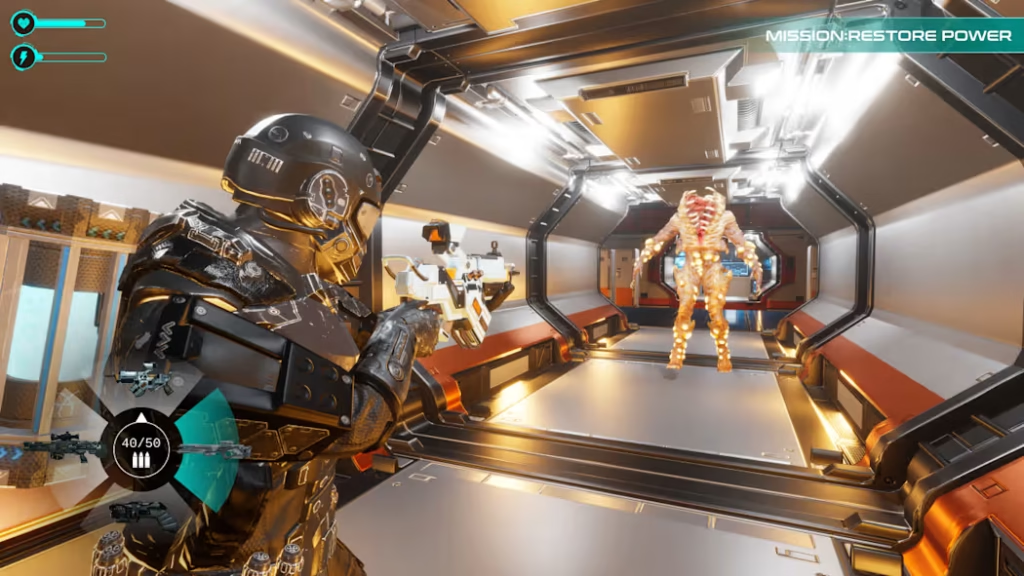
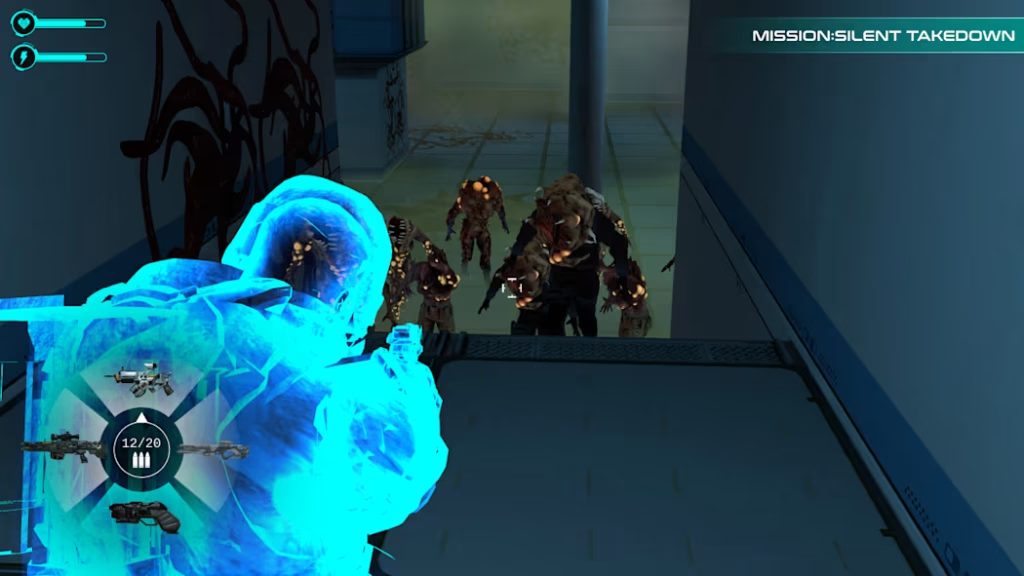
Dead Gears Space of War A strange bio-mechanical infection has taken over the planet Virelia. The colony on the planet has stopped sending signals, and nobody knows what happened. Technology and living creatures have merged together, creating dangerous enemies across the world. You play as Captain Darius Vex, the leader of a special team sent to investigate the disaster. As you explore abandoned buildings, destroyed cities, and infected areas, you must fight to survive and uncover the truth. You can choose how to play. Move quietly through the shadows and avoid enemies, or use powerful energy weapons to fight them directly.
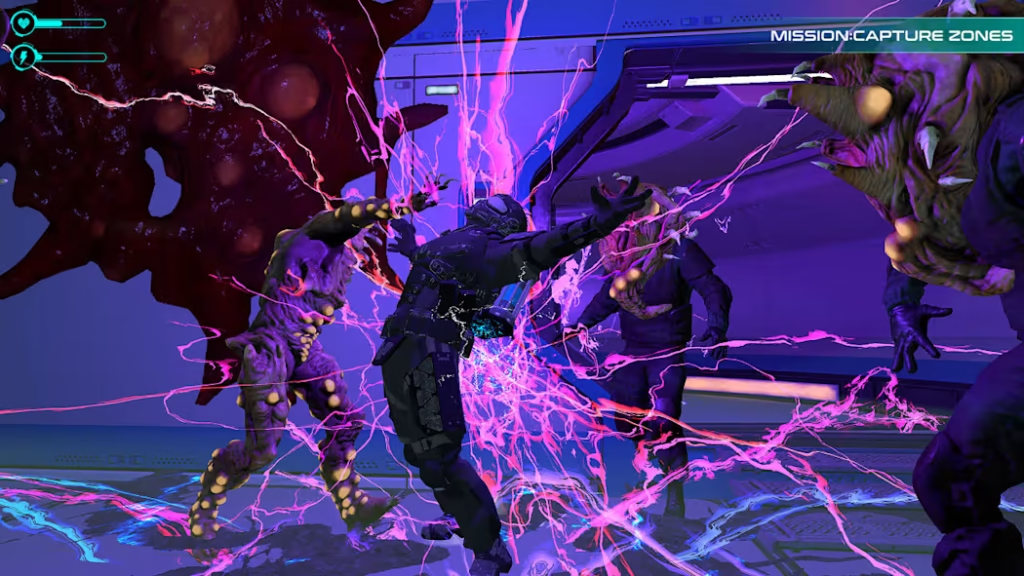
You can also control energy to activate machines, create shields, disable threats, and unleash strong attacks. Along the way, you will find hidden locations, collect information, and learn more about the infection. Upgrade your gear, unlock new abilities, and face stronger enemies as you go deeper into the planet. Your mission starts as a rescue operation, but soon becomes a battle for survival. To save Virelia, you must understand the threat before it is too late.
Screenshots
Key Features of Dead Gears Space of War
- Sci-Fi Survival Adventure
- Explore the dangerous planet Virelia and survive against deadly threats.
- Stealth or Action Gameplay
- Choose between sneaking past enemies or fighting them with powerful weapons.
- Energy Control System
- Use energy to activate devices, create shields, and unleash strong attacks.
- Story-Driven Experience
- Discover the truth behind the mysterious bio-mechanical infection.
- Exploration and Discovery
- Find hidden locations, secret files, and valuable resources.
- Upgradeable Equipment
- Improve your weapons, armor, and abilities throughout the game.
- Unique Enemy Types
- Battle dangerous creatures created from machines and living organisms.
- Abandoned Locations
- Travel through ruined cities, research facilities, and infected areas.
- Strategic Combat
- Adapt your tactics to overcome different enemies and challenges.
- Immersive Atmosphere
- Experience a dark and mysterious sci-fi world filled with danger and secrets.
Game Information of Dead Gears Space of War
- Genre: Shooting
- Platform: Nintendo Switch, Nintendo Switch 2
- File Size: 1.7 GB
- Publisher: CONSANN REAL ESTATE
- Release Date: May 29, 2026
- Language: British English
- Play Modes: TV, Tabletop, Handheld
- Nintendo Switch Online: Supported
- Save Data Cloud: Supported
- Family-Group Lending: Supported
My Personal Experience
I enjoyed playing this game because it has exciting shooting action and an interesting sci-fi story. The world feels dangerous and mysterious, which made me want to keep exploring. I liked using different weapons and energy powers to fight enemies and complete missions. The game also lets you choose between stealth and direct combat, which keeps the gameplay fresh. Exploring new areas and finding hidden secrets was fun. Overall, I found this game entertaining and a good choice for players who enjoy action and shooting games.
How to Download
- Visit the official Nintendo website or open the Nintendo eShop on your Nintendo Switch console.
- Search for the game by entering its name in the search bar.
- Open the game’s official store page.
- Sign in with your Nintendo Account if required.
- Purchase the game or select the download option if it is available for free.
- Wait for the download to complete.
- Once installed, launch the game from your Nintendo Switch Home Menu and start playing.
FAQs
- What type of game is this?
- It is a sci-fi shooting game with action, exploration, and survival elements.
- Can I play this game on Nintendo Switch?
- Yes, the game is available on Nintendo Switch and Nintendo Switch 2.
- What is the game file size?
- The download size is 1.7 GB.
- Does the game support handheld mode?
- Yes, it supports TV Mode, Tabletop Mode, and Handheld Mode.
- Is Nintendo Switch Online required?
- Nintendo Switch Online is supported, but it may not be required for all features.
- Does the game support Save Data Cloud?
- Yes, Save Data Cloud support is available.
- What language does the game support?
- The game supports British English.